If you love photography and want your photos to look professional without spending hours editing, then Snapseed QR Codes are exactly what you need. Snapseed is one of the most powerful and beginner-friendly photo editing apps available today. It offers advanced tools used by photographers, yet it’s simple enough for anyone to use.
One of the most exciting features of Snapseed is QR Code Presets, which allow you to apply beautiful edits to your photos instantly by scanning a code. No complicated settings — just scan and apply!
What Are Snapseed QR Code Presets?
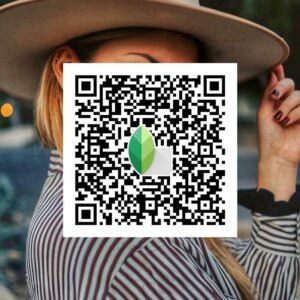
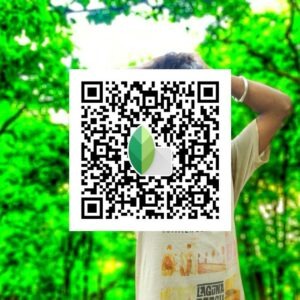
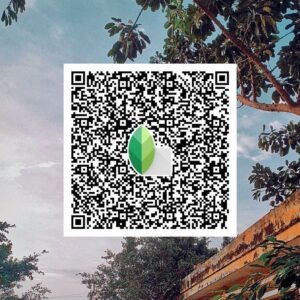
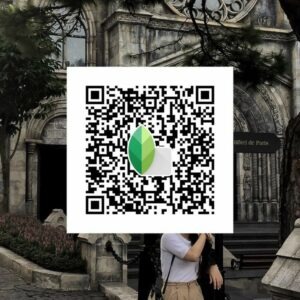
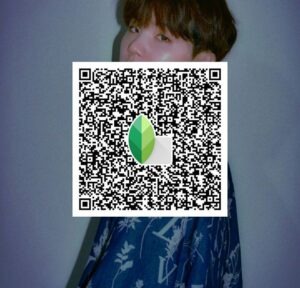
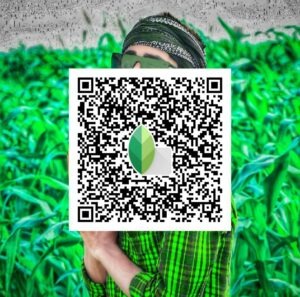
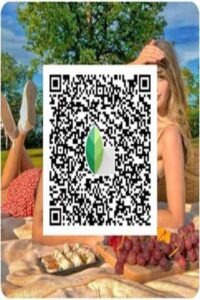
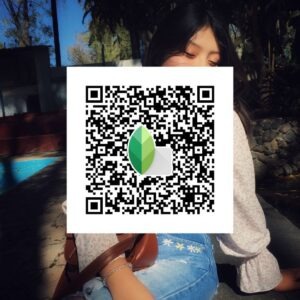
Snapseed QR Code Presets are pre-saved editing settings converted into QR codes. When you scan a Snapseed QR code, the full editing style — including brightness, contrast, color grading, HDR, and tone — is applied instantly to your photo.
These presets come in many popular styles such as:
- Vintage effects
- Black & White filters
- HDR look
- Cinematic tones
- Portrait enhancements
- Instagram aesthetic styles
Instead of manually adjusting dozens of sliders, you can apply a complete professional edit in one tap.
How to Use Snapseed QR Codes (Step-by-Step)
Using Snapseed QR presets is very easy. Just follow these simple steps:
Step 1 — Install Snapseed
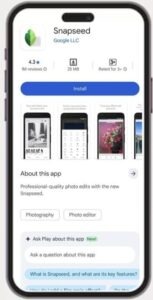
Download Snapseed from the Google Play Store or Apple App Store if you don’t already have it.
Step 2 — Open Your Photo
Launch Snapseed and select the photo you want to edit.
Step 3 — Scan the QR Code
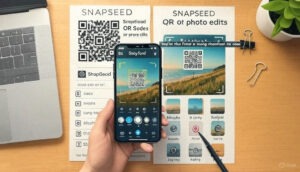
Tap the three-dot menu (top right) → Select QR Look → Tap Scan QR Look → Scan the Snapseed QR code image.
Step 4 — Apply the Preset
The editing style will be applied instantly. You can tweak it further if you want.
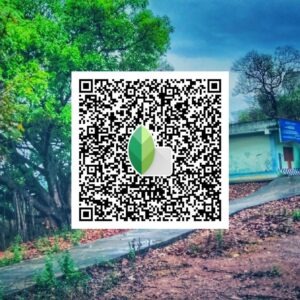
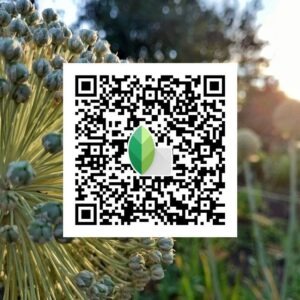
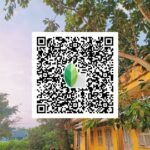
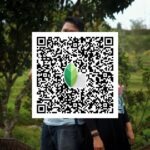
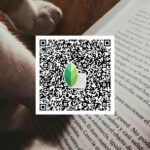
Latest Snapseed QR Code
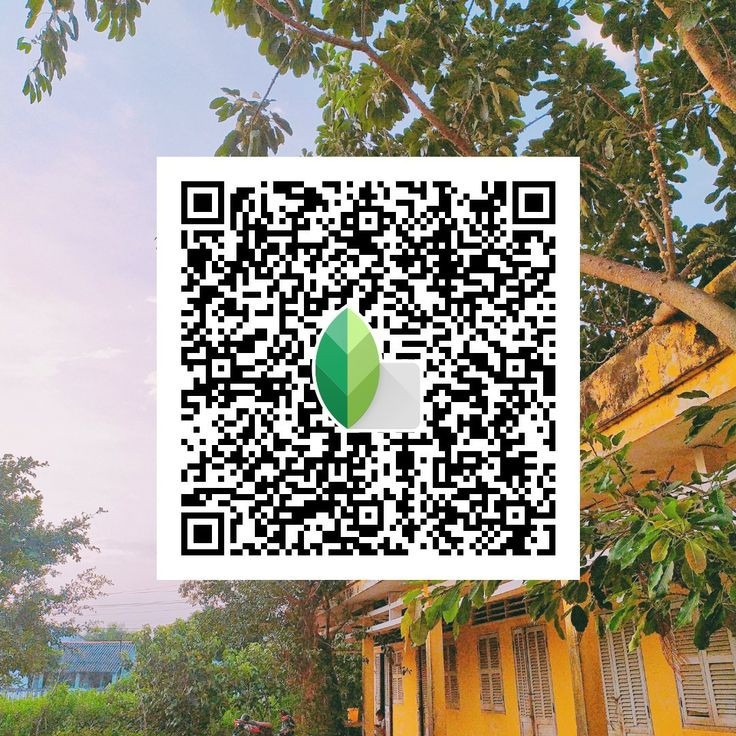
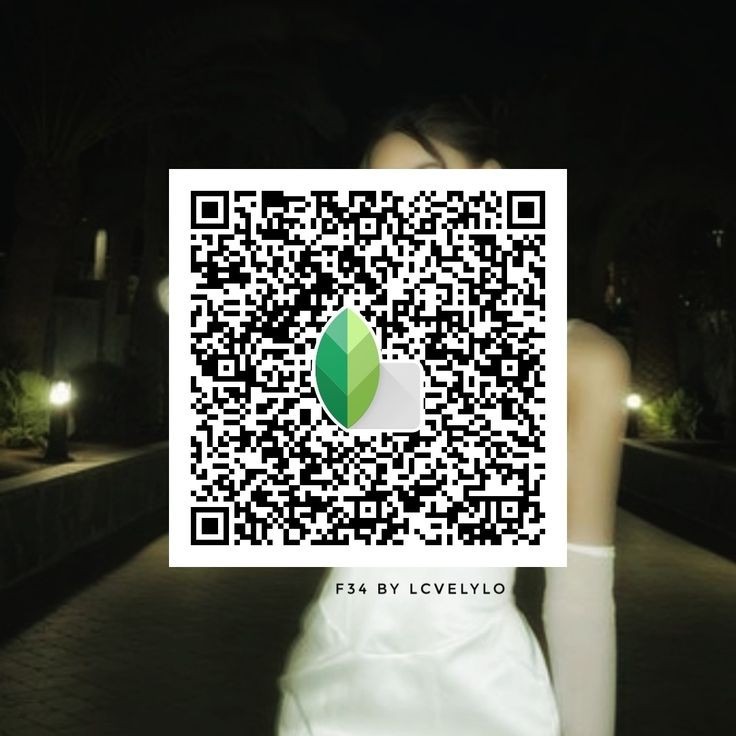
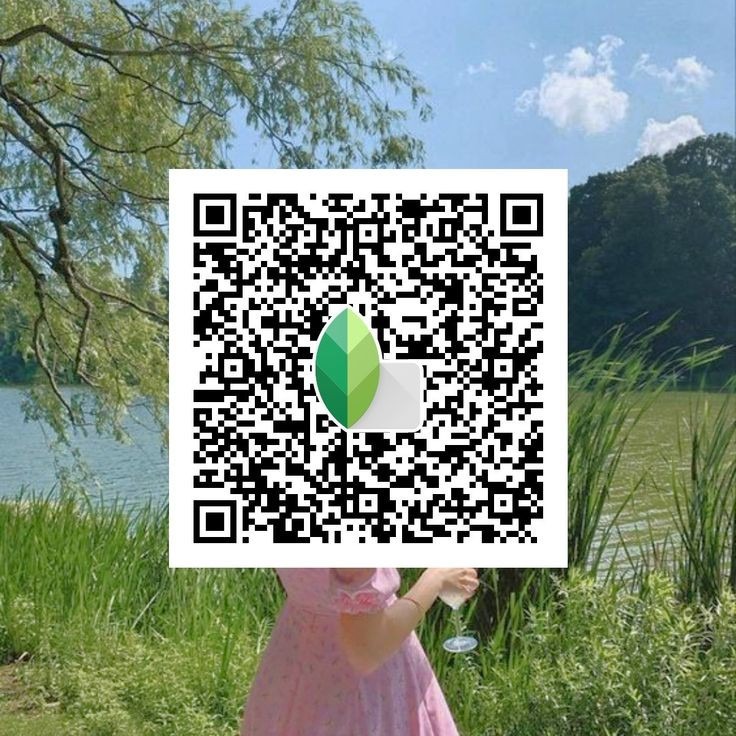
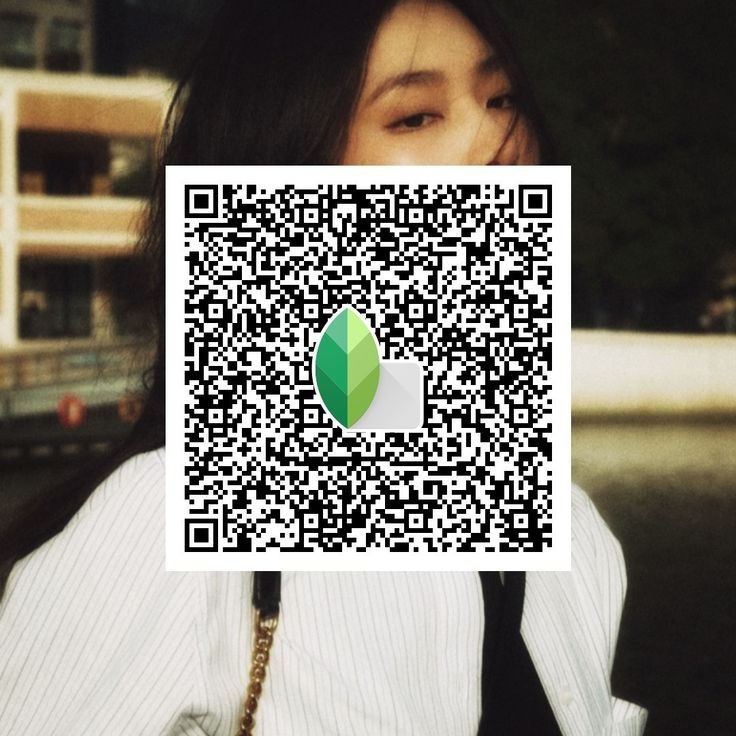
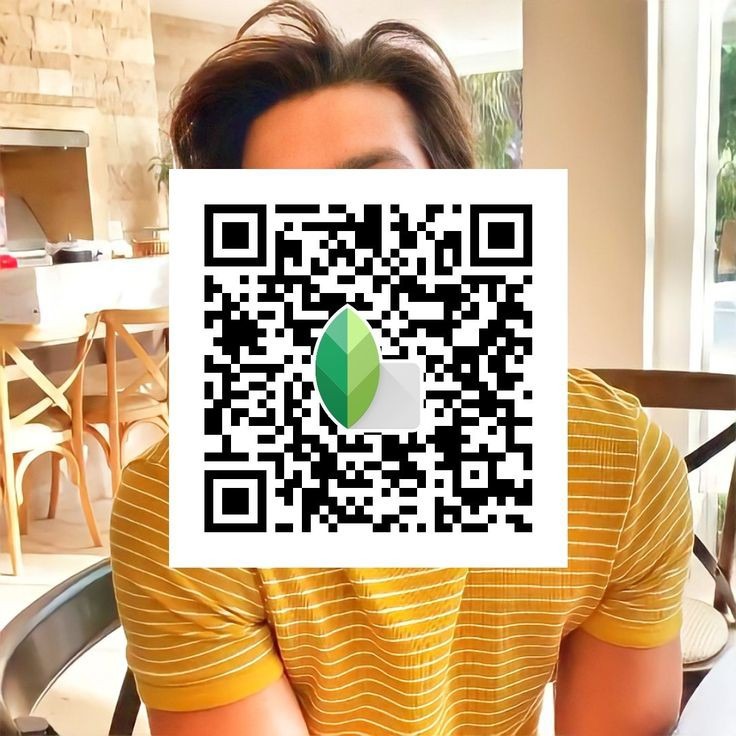
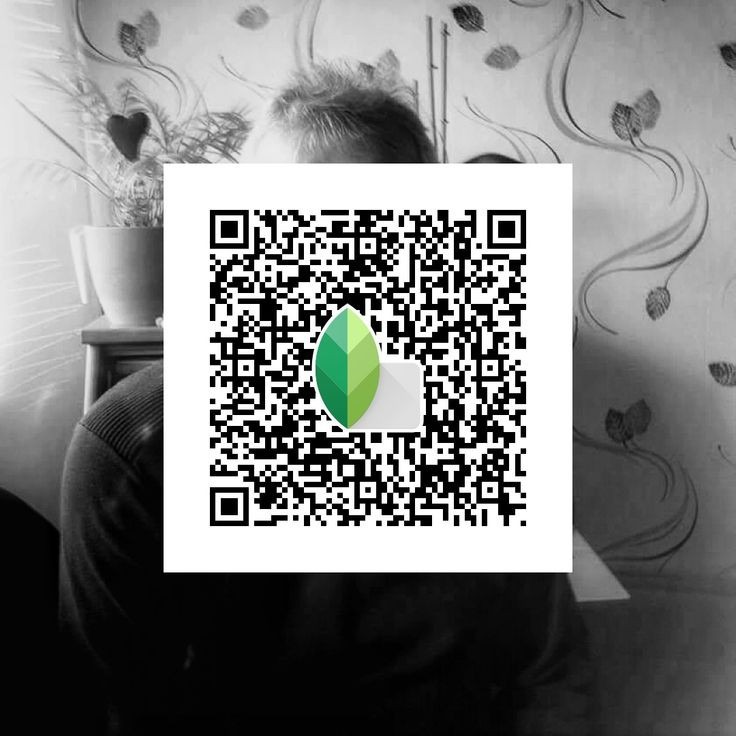
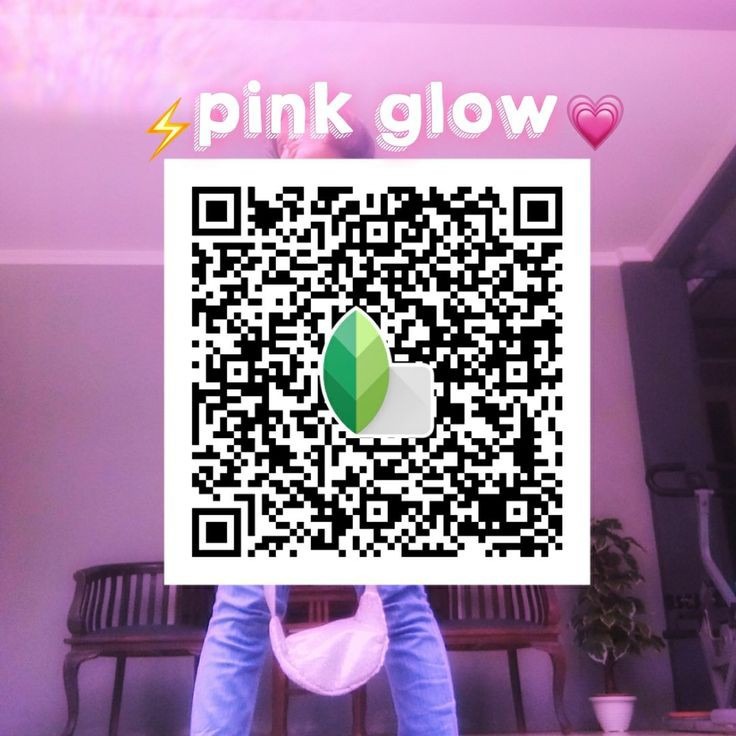
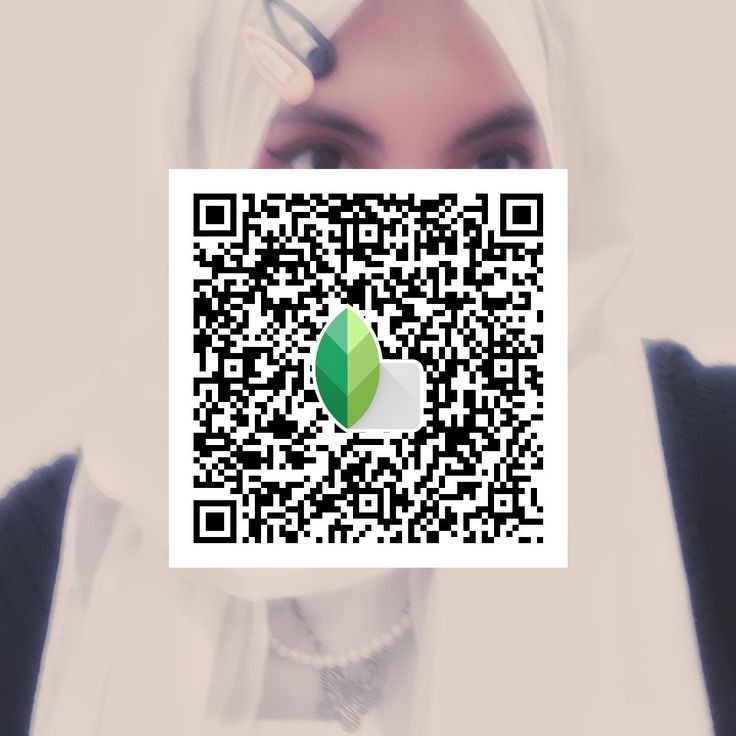
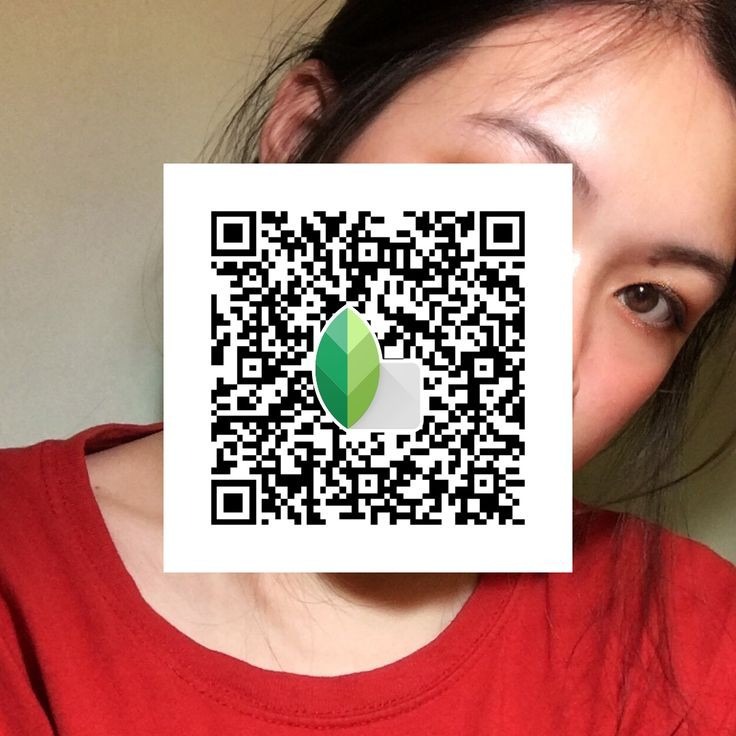
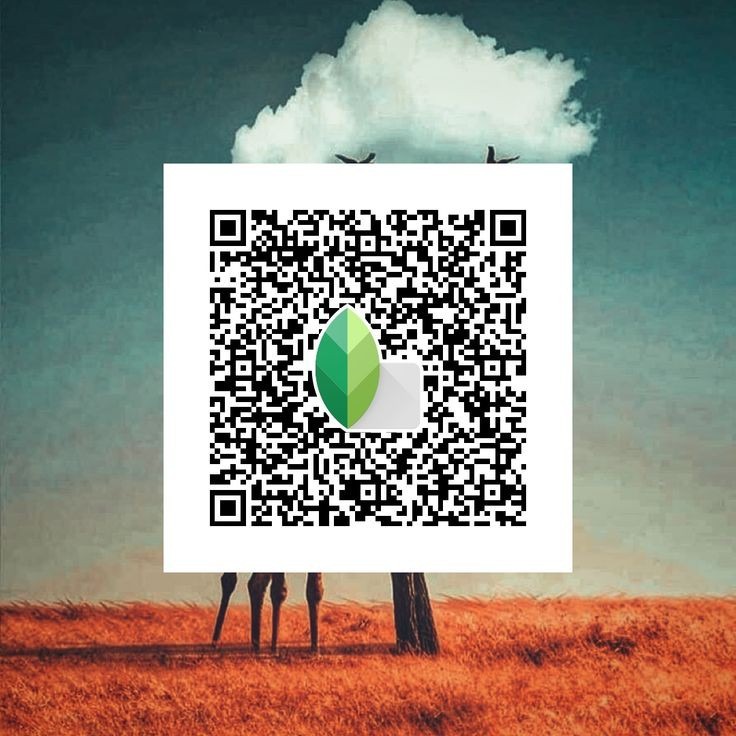
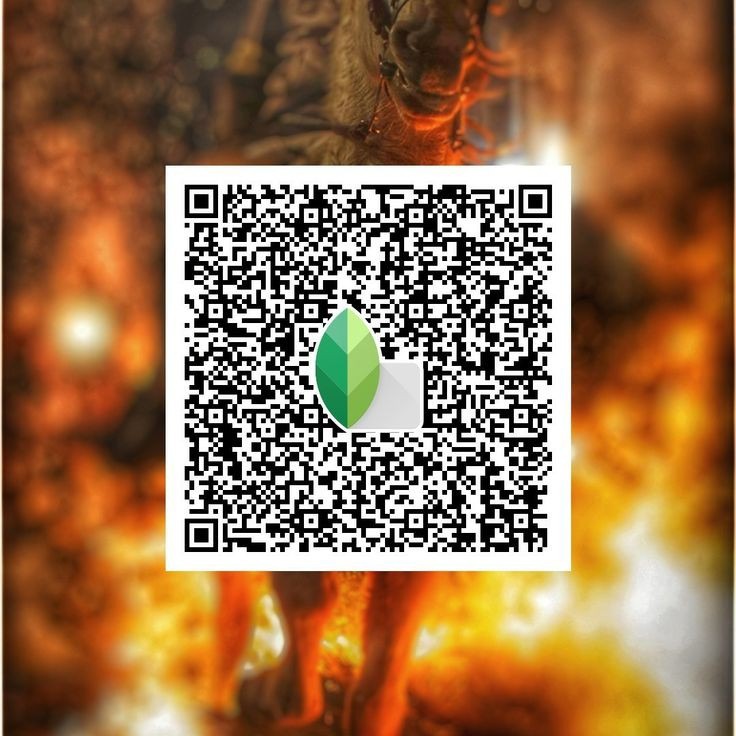
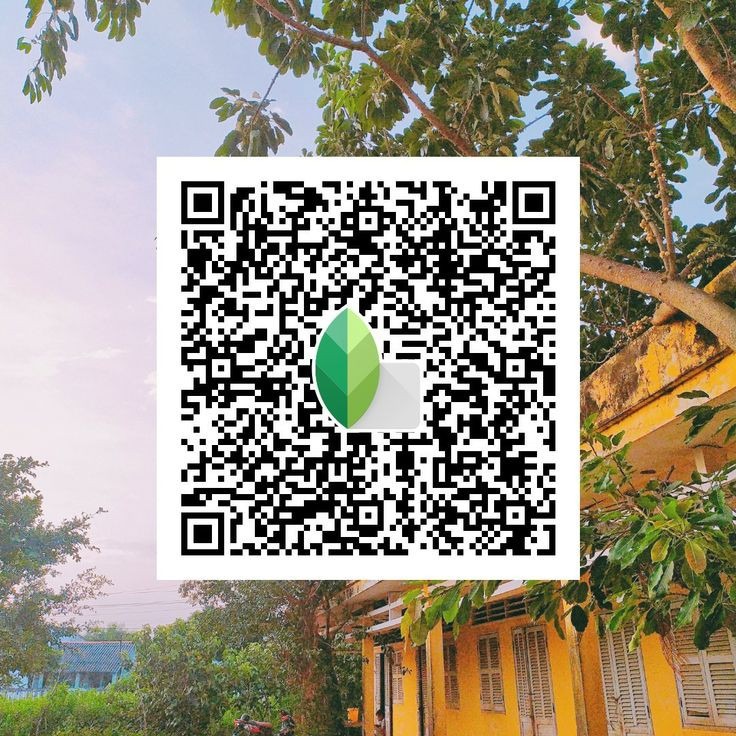
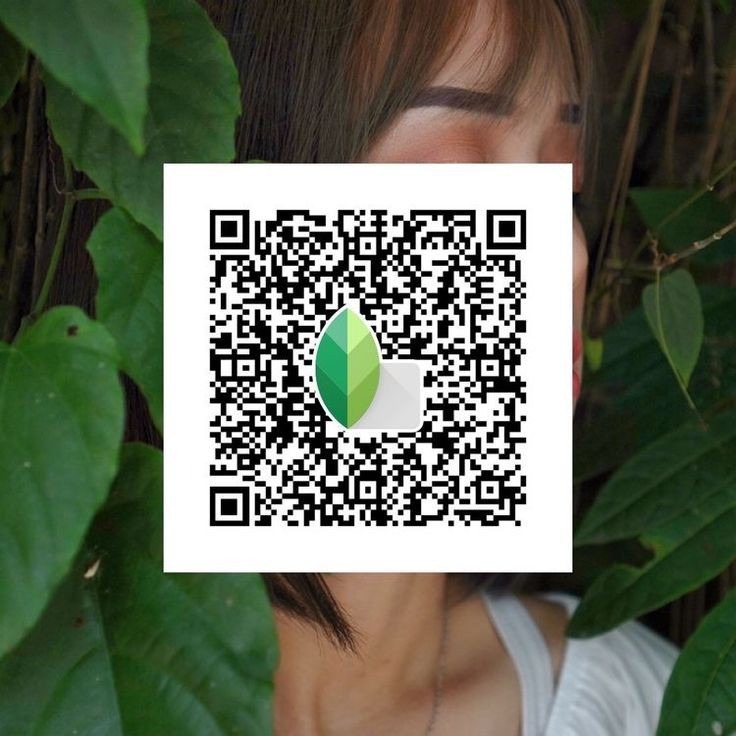
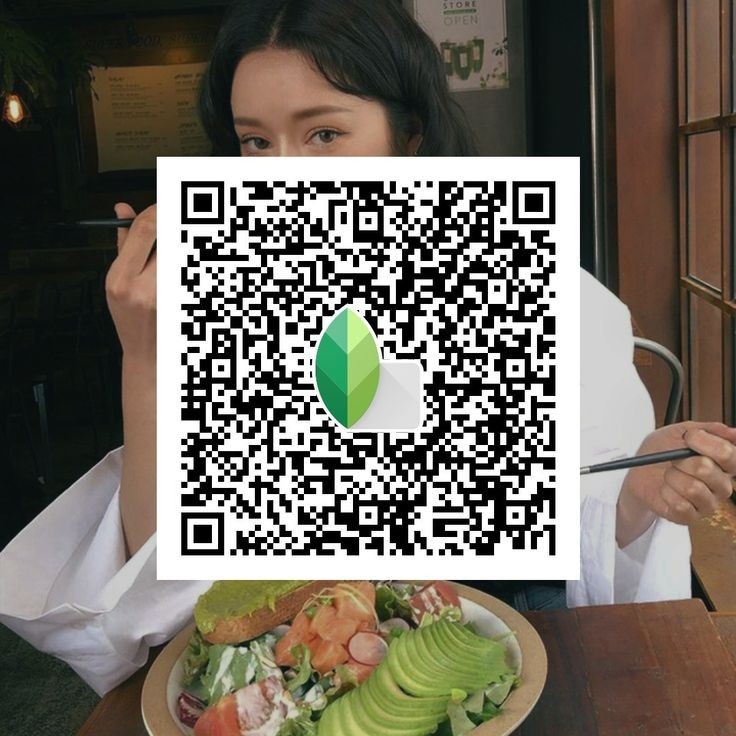
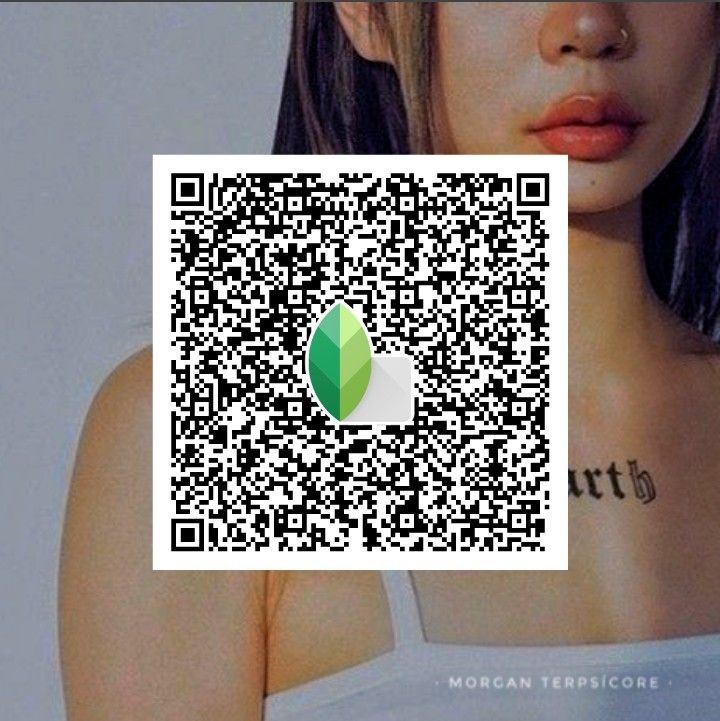
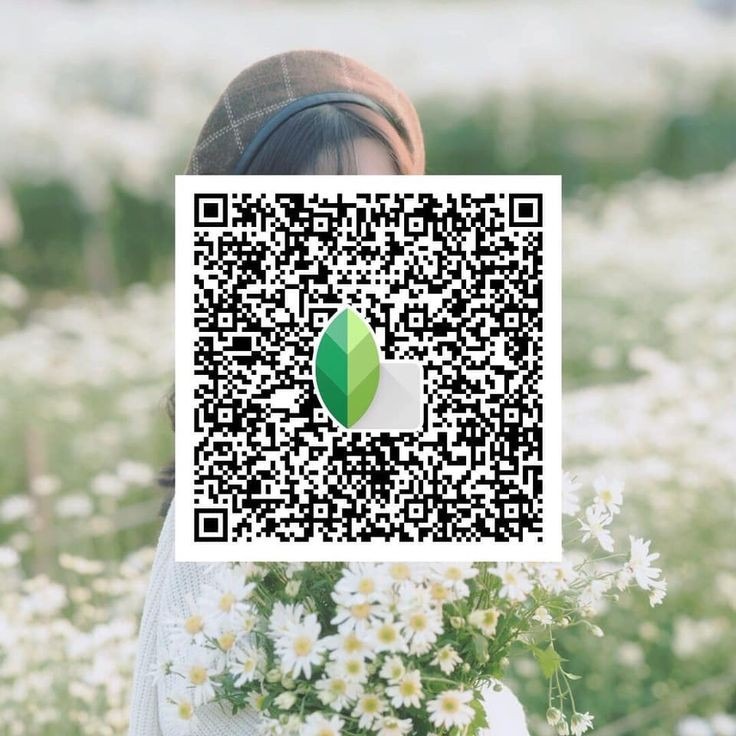
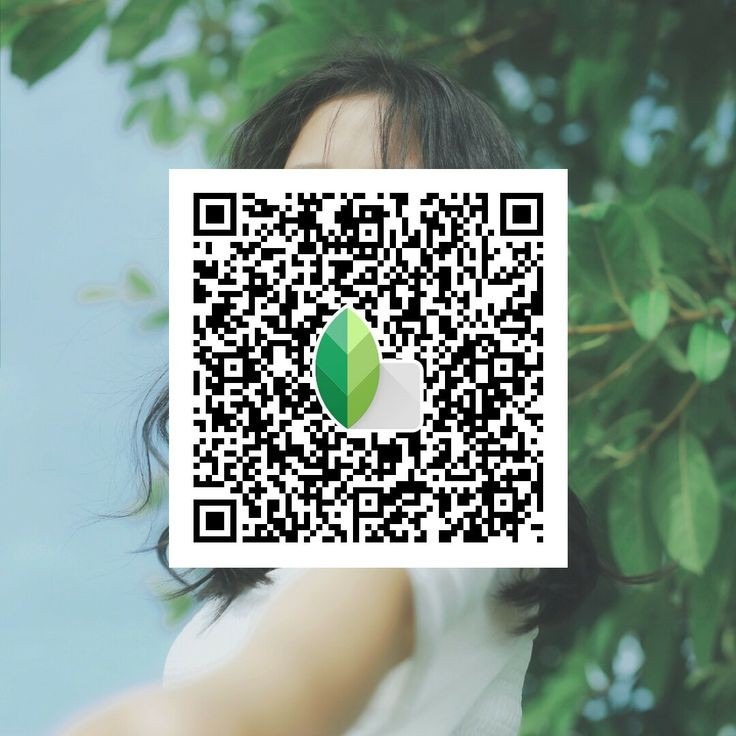
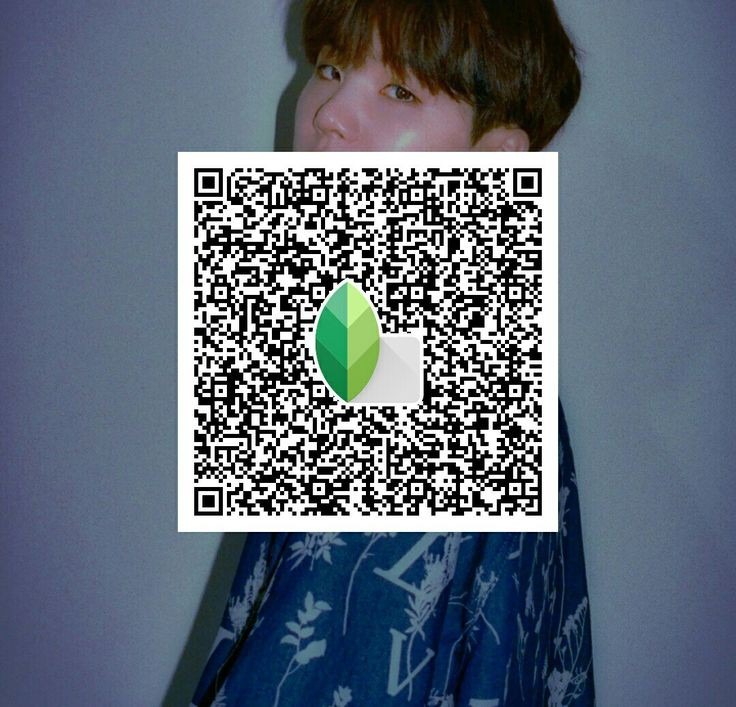
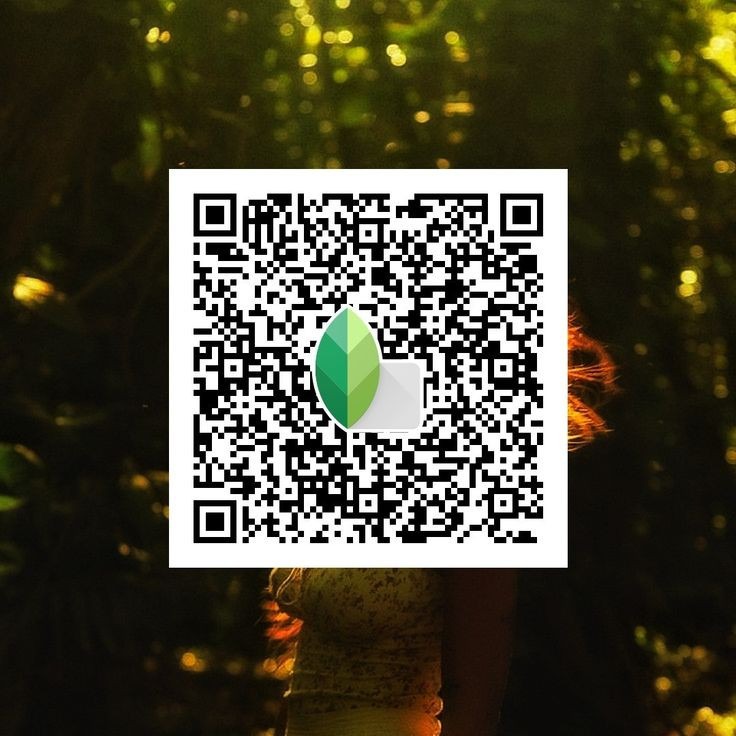
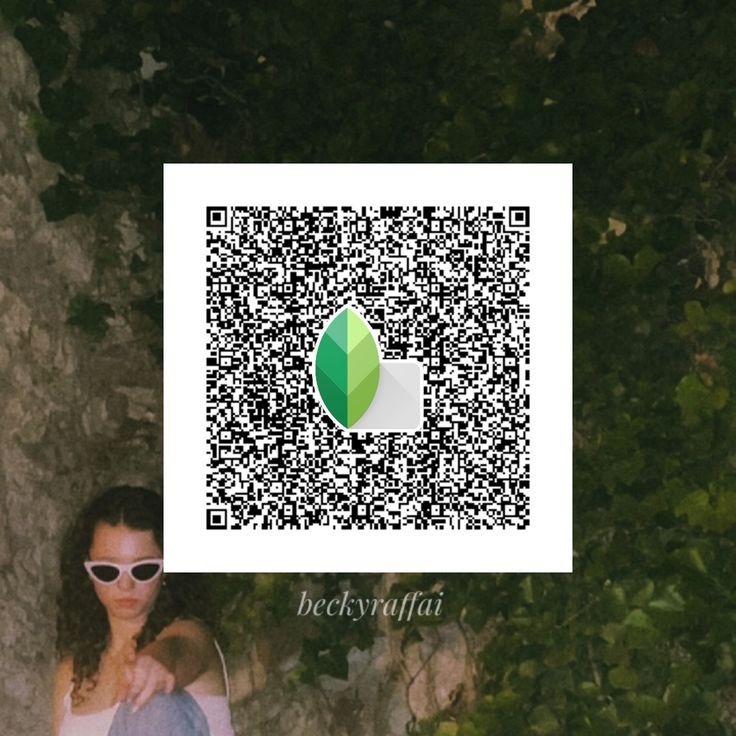
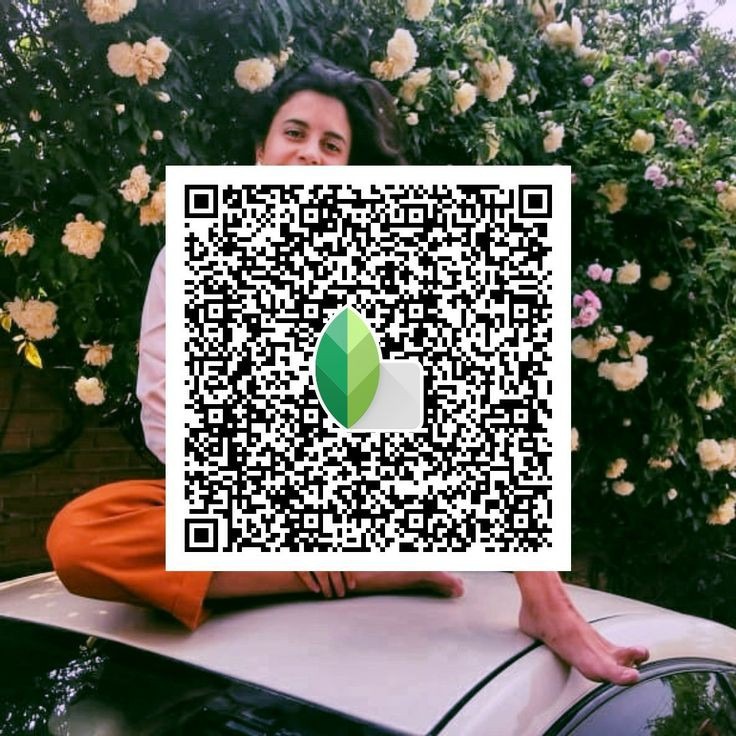
Snapseed QR Codes Hd 4k
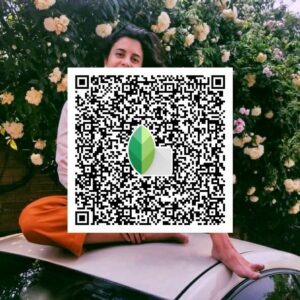
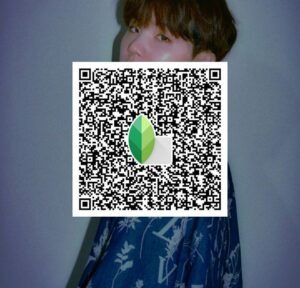
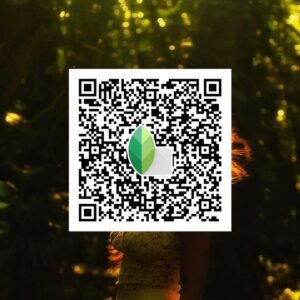
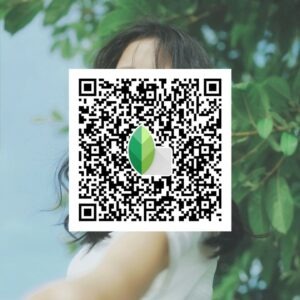
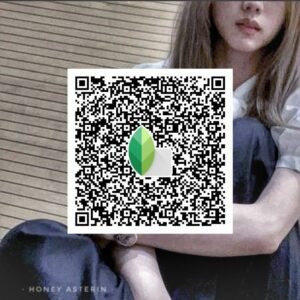
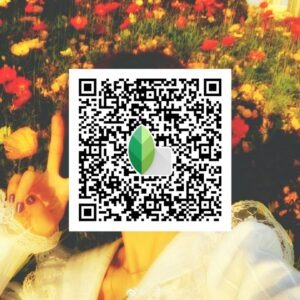
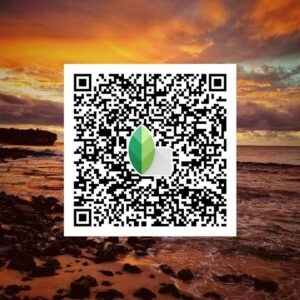

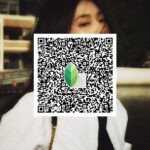
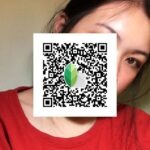
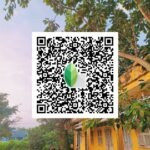
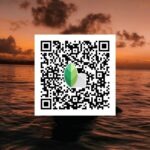

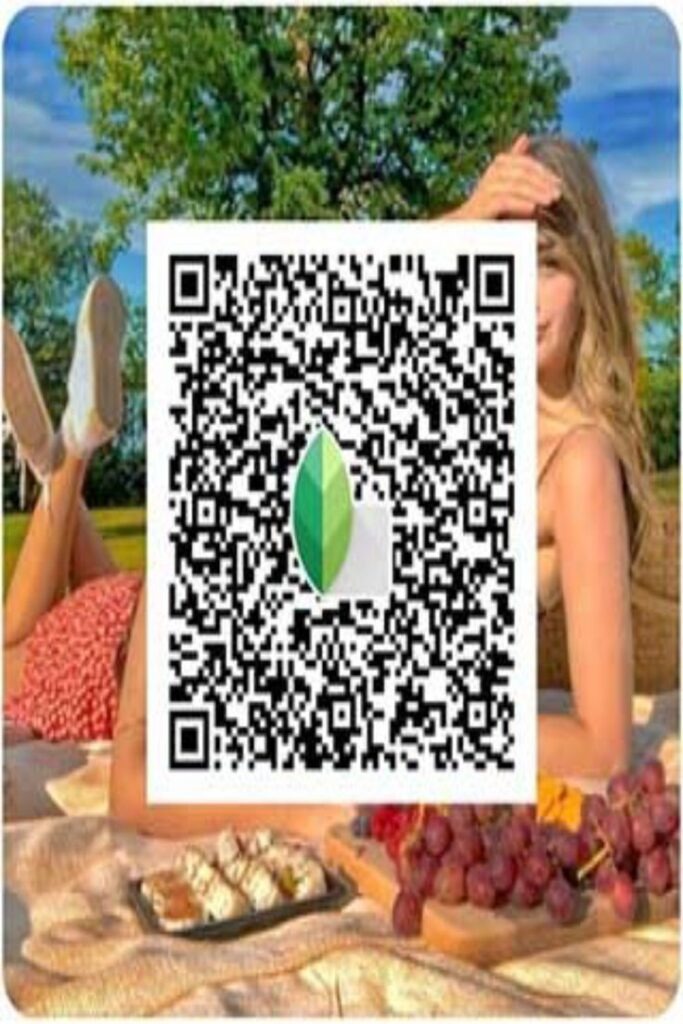
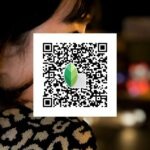
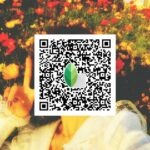
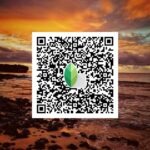
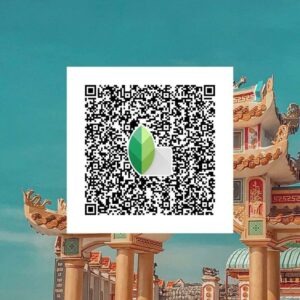
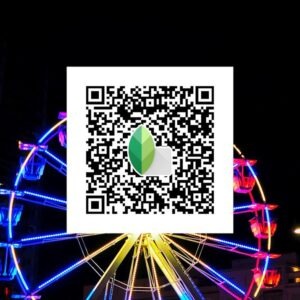
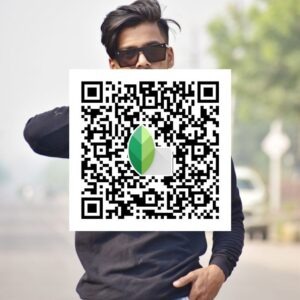
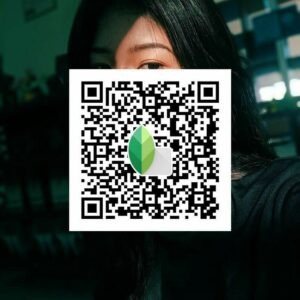
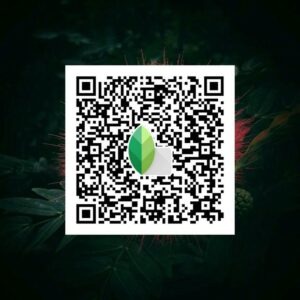
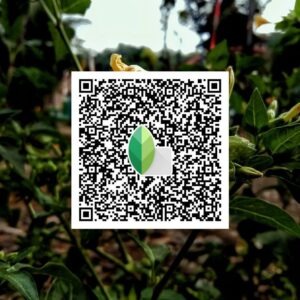
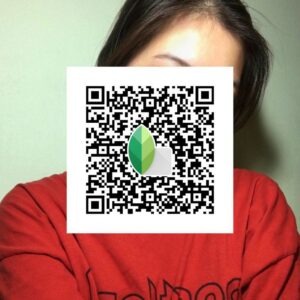
Snapseed QR Code Photo editing
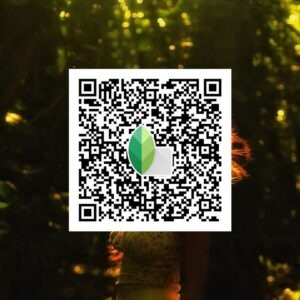
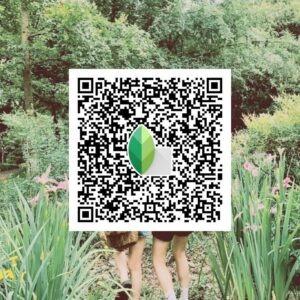
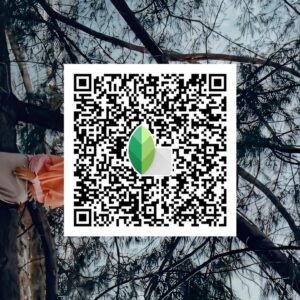
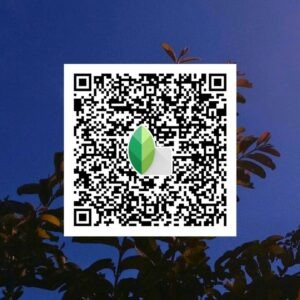
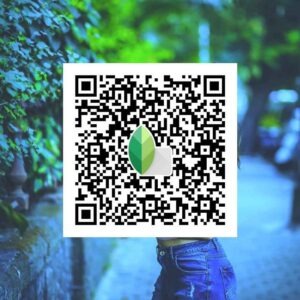
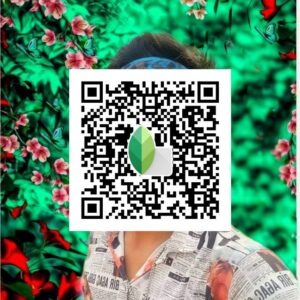


Snapseed QR Codes Hd 16k


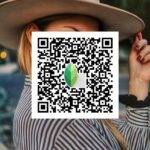
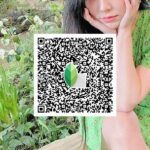
Snapseed QR Code background
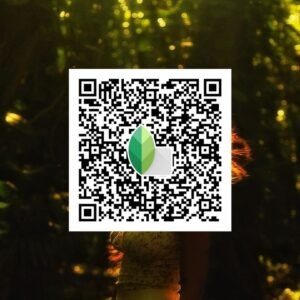
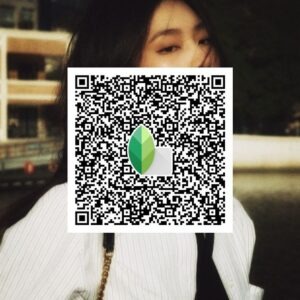
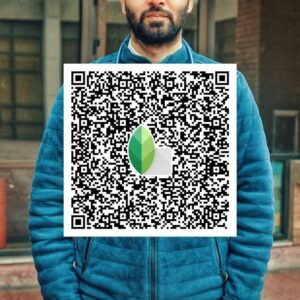
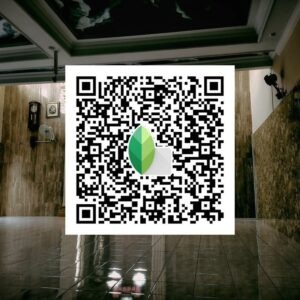
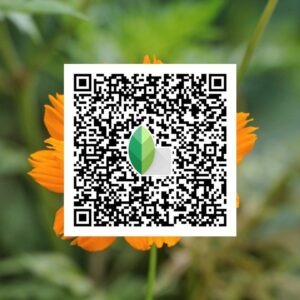
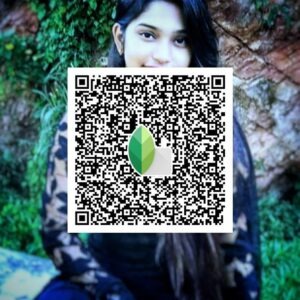
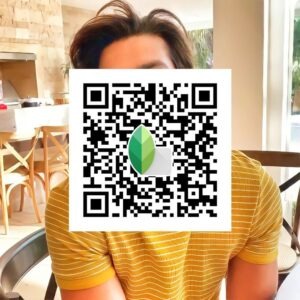

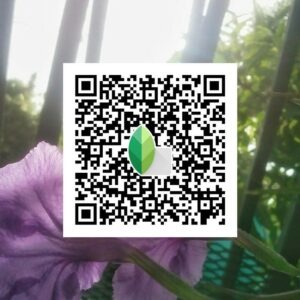
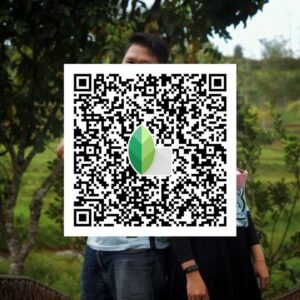
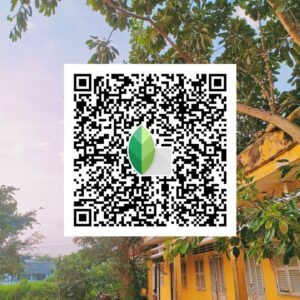
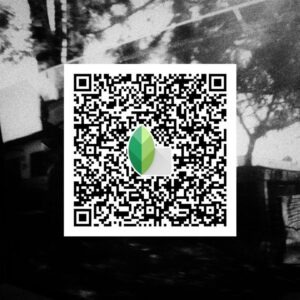
Snapseed QR Code Photo editing

Why Use Snapseed QR Code Presets?
Snapseed QR presets are extremely popular among photographers and Instagram creators because they make editing fast and consistent.
✔️ Saves Editing Time
You don’t need to adjust every setting manually. One scan applies a full professional edit.
✔️ Consistent Instagram Feed
Using the same preset keeps all your photos in a uniform style, which looks great on social media.
✔️ Beginner Friendly
Even if you don’t know photo editing, you can achieve pro results easily.
✔️ Learn Photo Editing
By opening the preset settings, you can see how professionals edit photos and learn new techniques.
Snapseed QR Codes HD 4K Presets
Below you’ll find high-quality Snapseed QR codes specially designed for:
- Portrait photos
- Nature photography
- Outdoor shots
- Travel images
- Instagram posts
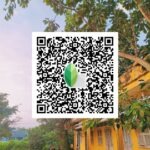
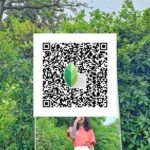
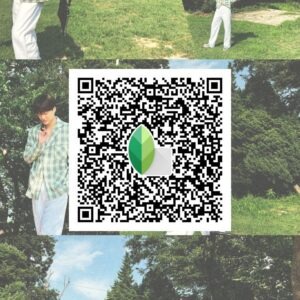
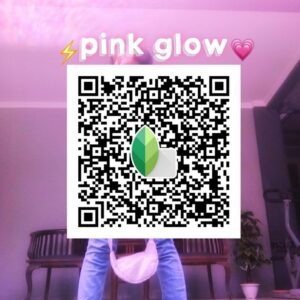
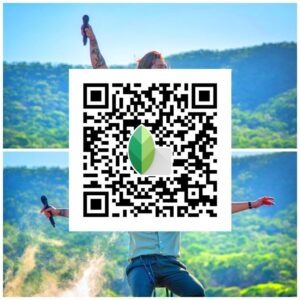
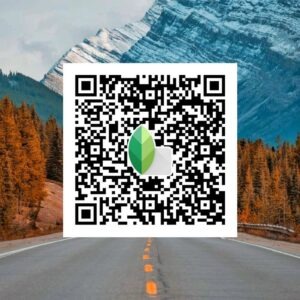
Scan any QR code from the images above and apply the preset instantly to your photo.
Pro Tip for Best Results
For the best editing results:
- Use high-resolution photos
- Match preset style to photo type
- Adjust brightness slightly after applying
- Avoid over-editing
Many professional photographers create their signature style using presets. You can experiment with different Snapseed QR codes to discover your own unique editing look.
Final Words
Snapseed QR Codes HD 4K presets are one of the easiest ways to create stunning, professional photo edits in seconds. Whether you’re a beginner or an experienced editor, these presets will help you enhance your photos effortlessly.
Keep exploring new Snapseed QR codes and take your photography to the next level 🚀